AI Video Editor
Take a video as input and transform it: cinematic effects, face swap, dress change, dance motion, reframing, and lipsync are all single-API-call operations. Useful for social-content automation, ad variants, and post-production at scale.
- →Effects: wan-effects, video-effects, image-effects, dance
- →Face & body: face-swap, dress-change
- →Reframing & motion: luma-reframe, luma-modify
- →All exposed through the same submit-and-poll JSON API
Quick Start
Every model in this category uses the same submit-then-poll API. Replace video-effects with any model endpoint from the list below.
# 1. Submit
curl -X POST https://api.muapi.ai/api/v1/video-effects \
  -H "x-api-key: $MUAPI_API_KEY" \
  -H "Content-Type: application/json" \
  -d '{"prompt":"apply a cinematic teal-and-orange grade"}'
# → {"request_id":"abc123","status":"processing"}

# 2. Poll until completed
curl https://api.muapi.ai/api/v1/predictions/abc123/result \
  -H "x-api-key: $MUAPI_API_KEY"
Top 5 Video Editor Models
| Model | Provider | Cost | Best For |
|---|---|---|---|
| autocrop | — | $0.050 | Automatically crop and reframe a specific video segment to your chosen aspect ratio using AI subject tracking. |
| seedance-2-video-watermark-remover-pro | — | $0.065 | SD 2 Video Watermark Remover Pro uses the SD 2 AI model to remove watermarks, logos, and overlaid text from videos with high accuracy. Powered by ByteDance's SD 2 engine, it delivers superior quality compared to traditional inpainting approaches. Pricing: $0.013 per second, minimum charge for 5 seconds ($0.065). |
| ai-clipping | — | $0.500 | Convert long-form videos into engaging short clips using AI clipping. |
| seedance-2-video-edit | — | $1.500 | SD 2.0 Video Edit modifies existing videos based on text prompts and optional reference images. |
| ai-video-upscaler-pro | — | $0.240 | The AI Video Upscaler is a powerful tool designed to enhance the resolution and quality of videos. Whether you're working with low-resolution videos that need a boost or aiming to improve the clarity of existing footage, this upscaler leverages advanced machine learning models to deliver high-quality, upscaled videos. |
All 45 Models
infinitetalk-video-to-video
InfiniteTalk Video-to-Video enhances or transforms existing videos by syncing the subject’s lip movements and facial expressions with new dialogue or speech. Instead of starting from a still image, you provide a video clip, and the model seamlessly reanimates the speaker’s mouth and expressions to match the script.
wan2.2-edit-video
Easily modify existing videos using simple text commands. With Wan 2.2 Video-Edit, you can change attire, character appearance, or other visual elements directly within your video—no need to start from scratch. Works on uploads of 480p or 720p, for up to two minutes.
seedance-2-watermark-remover
🎉 FREE for a limited time — Remove SD 2.0 watermarks from videos using LaMa AI inpainting. Automatically detects the watermark region, builds a precise mask via Canny edge detection, and inpaints each frame for artifact-free results. No credits deducted — requires a positive balance to access.
video-background-remover
Video Background Remover automatically removes the background from any video, producing a clean cutout of the subject with a transparent or solid-color backdrop. It handles hair, edges, and fine detail with frame-accurate matting, supports videos up to 60 seconds, and can output transparent WebM/MOV, standard MP4, or animated GIF while optionally preserving the original audio.
runway-aleph-v2v
Transform any input video into a new visual style or scene while preserving motion and structure. Aleph V2V lets you apply artistic looks, cinematic lighting, or thematic changes to existing footage.
ai-dance-effects
Bring your characters and worlds to life with AI Dance Effects — a creative video effect that adds playful, dynamic, and cinematic motion to your generations. AI Dance Effects lets you guide how characters move, react, and express themselves.
luma-flash-reframe
Transform and resize your videos effortlessly with Ray 2 Flash Reframe. This tool intelligently expands or adjusts your video’s aspect ratio—adding visually consistent content to the sides, top, or bottom—without altering the original subject.
ai-captions
Add AI-generated animated captions to any video using Vadoo's caption engine. Supports multiple languages and viral caption themes like Hormozi style. Perfect for social media creators, marketers, and content producers.
seedance-2-video-watermark-remover-pro
SD 2 Video Watermark Remover Pro uses the SD 2 AI model to remove watermarks, logos, and overlaid text from videos with high accuracy. Powered by ByteDance's SD 2 engine, it delivers superior quality compared to traditional inpainting approaches. Pricing: $0.013 per second, minimum charge for 5 seconds ($0.065).
heygen-video-translate
Convert any video into 175+ languages with synchronized voice translation, AI-voice cloning, and accurate lip sync. Just upload your video (or provide a link), select a target language, and HeyGen recreates the speech in that language. 0.05$ per second.
wan2.2-animate
Wan2.2 Animate is a video-to-video model for animating a character or replacing a character in existing video clips. It replicates holistic movement and facial expressions from a reference video or pose while preserving the target character’s appearance. You upload both an image (for the character) and a video containing motion/expression, and the model generates a video where the character in your image moves like the reference. Supports 480p or 720p, up to 120 seconds
topaz-video-upscale
The AI Video Upscaler is a powerful tool designed to enhance the resolution and quality of videos. Whether you're working with low-resolution videos that need a boost or aiming to improve the clarity of existing footage, this upscaler leverages advanced machine learning models to deliver high-quality, upscaled videos.
ai-video-upscaler-pro
The AI Video Upscaler is a powerful tool designed to enhance the resolution and quality of videos. Whether you're working with low-resolution videos that need a boost or aiming to improve the clarity of existing footage, this upscaler leverages advanced machine learning models to deliver high-quality, upscaled videos.
happy-horse-1-video-edit-720p
Happy Horse 1.0 Video Edit (720p) - modify an input video at 720p using a natural-language instruction with optional reference images.
kling-o1-video-edit-fast
Video Edit Fast is the lightweight, high-speed editing mode of Kling O1. It performs quick edits on an existing video without heavy processing—ideal for fast object replacements, light enhancements, color tweaks, or simple visual adjustments. This mode focuses on speed over complex reconstruction, making it suitable for rapid iterations, previews, and small edits while preserving the original video’s motion and structure.
kling-o1-standard-video-edit
Kling O1 Standard Video-to-Video Edit modifies an existing video while preserving its original structure, motion, and realism. It is designed for subtle, stable edits such as object replacement, background changes, lighting adjustments, or small visual tweaks. This mode prioritizes temporal consistency and natural motion, making it.
kling-v2.6-pro-motion-control
Kling v2.6 Pro Motion Control allows precise control over camera movement, subject motion, and scene dynamics during video generation. Instead of leaving motion fully implicit, this mode lets you explicitly define how the camera moves (pan, tilt, orbit, dolly, zoom) and how objects or characters behave over time.
seedance-v1.5-pro-video-extend
Seedance v1.5 Pro Video Extend continues an existing video by generating additional frames that match the original scene’s style, lighting, motion, and mood. It is designed for smooth temporal consistency, making it ideal for extending cinematic shots, atmospheric scenes, or slow camera moves without introducing visual jumps or style changes.
add-video-watermark
Add custom watermark to videos with adjustable position, opacity, and size. Free local processing using FFmpeg.
ltx-2.3-video-extend
LTX-2.3 Video Extend seamlessly continues an existing video clip by generating additional frames that match the original motion, style, and scene composition. Powered by the LTX-2.3 architecture, it maintains temporal coherence and visual fidelity across the extension boundary.
kling-v3.0-std-motion-control
Kling V3.0 Standard Motion Control allows for precise control over the camera and subject movement in generated videos. Powered by the latest Kling V3.0 architecture for improved temporal consistency and quality.
happy-horse-1.1-video-edit-1080p
Happy Horse 1.1 Video Edit (1080p) — modify an input video using natural-language instructions with optional reference images.
wan2.7-video-edit
Perform prompt-driven video editing with multi-image reference support.
happy-horse-1.1-video-edit-720p
Happy Horse 1.1 Video Edit (720p) — modify an input video using natural-language instructions with optional reference images.
volcengine-video-to-video-lip-sync
Drive a video's lip movements to match a target audio track, producing a lip-synced video output.
mmaudio-v2-video-to-video
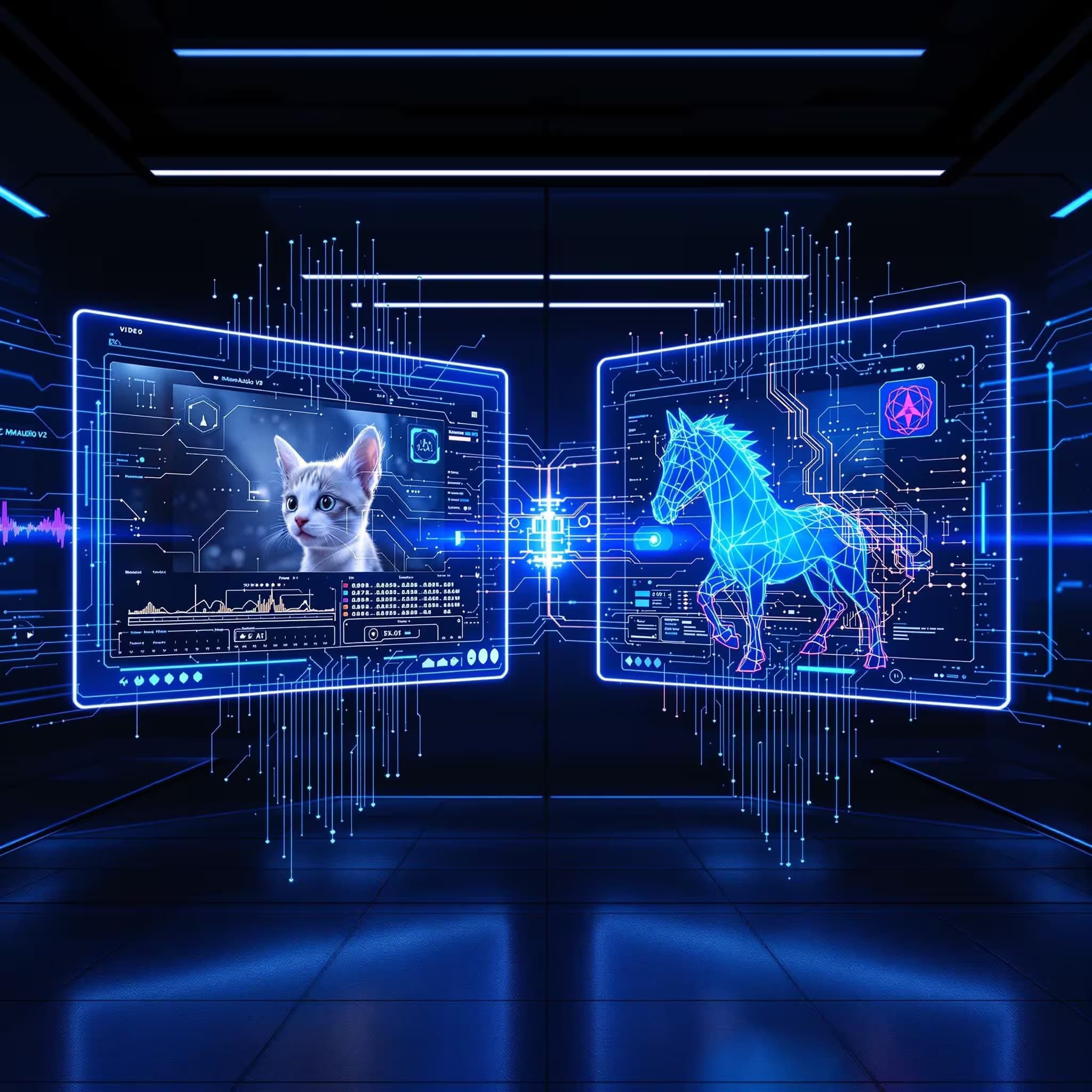
MMAudio-v2 generates high-quality, synchronized audio from video or text inputs. Seamlessly integrate it with AI video models to create fully-voiced, expressive video content.
runway-act-two-v2v
Take an existing character video and sync it with the motion from a reference video. This lets you update facial expressions, head turns, and speech gestures while keeping the original look and style. It’s perfect for reshooting performances, dubbing, or animating characters without re-rendering visuals.
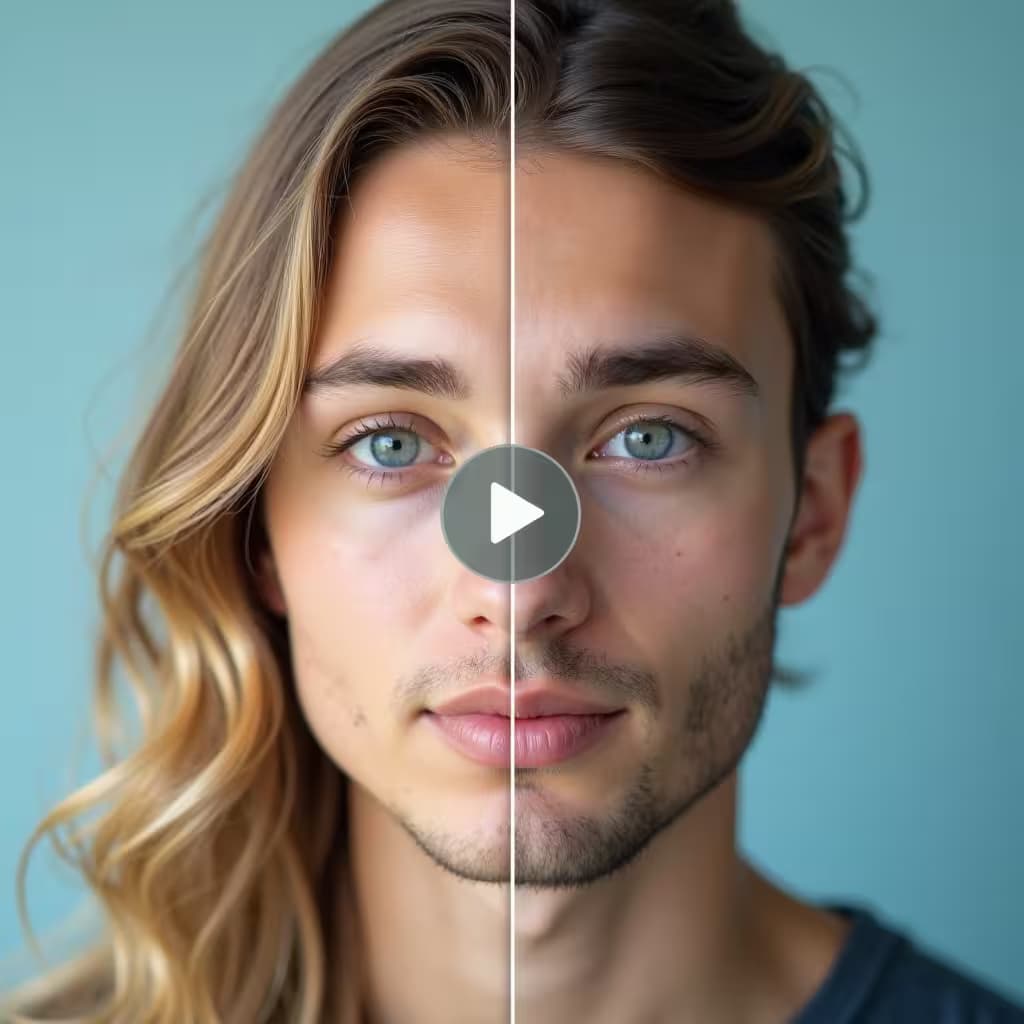
ai-video-face-swap
Replace faces in videos with stunning realism. Our AI ensures accurate expression transfer, lighting consistency, and smooth frame-by-frame blending.
ai-video-upscaler
The AI Video Upscaler is a powerful tool designed to enhance the resolution and quality of videos. Whether you're working with low-resolution videos that need a boost or aiming to improve the clarity of existing footage, this upscaler leverages advanced machine learning models to deliver high-quality, upscaled videos.
video-watermark-remover
The AI Video Watermark Remover is our flagship model designed to remove Sora 2 watermarks, logos, captions, and unwanted text from videos without compromising quality. Supporting a wide range of formats, it's fast, efficient, and processes with the highest quality.
kling-o1-video-edit
Kling O1 Video Edit lets you send an existing video clip plus an instruction/prompt to edit or transform the clip while preserving temporal coherence and subject identity. Typical edits include color grading, background replacement, object removal, slow-motion slo-mo, speed ramps, style transfer, subtle camera stabilization, and short extension/outro generation. Inputs can include: the source video, an optional frame mask (for localized edits), time range, and style/reference images.
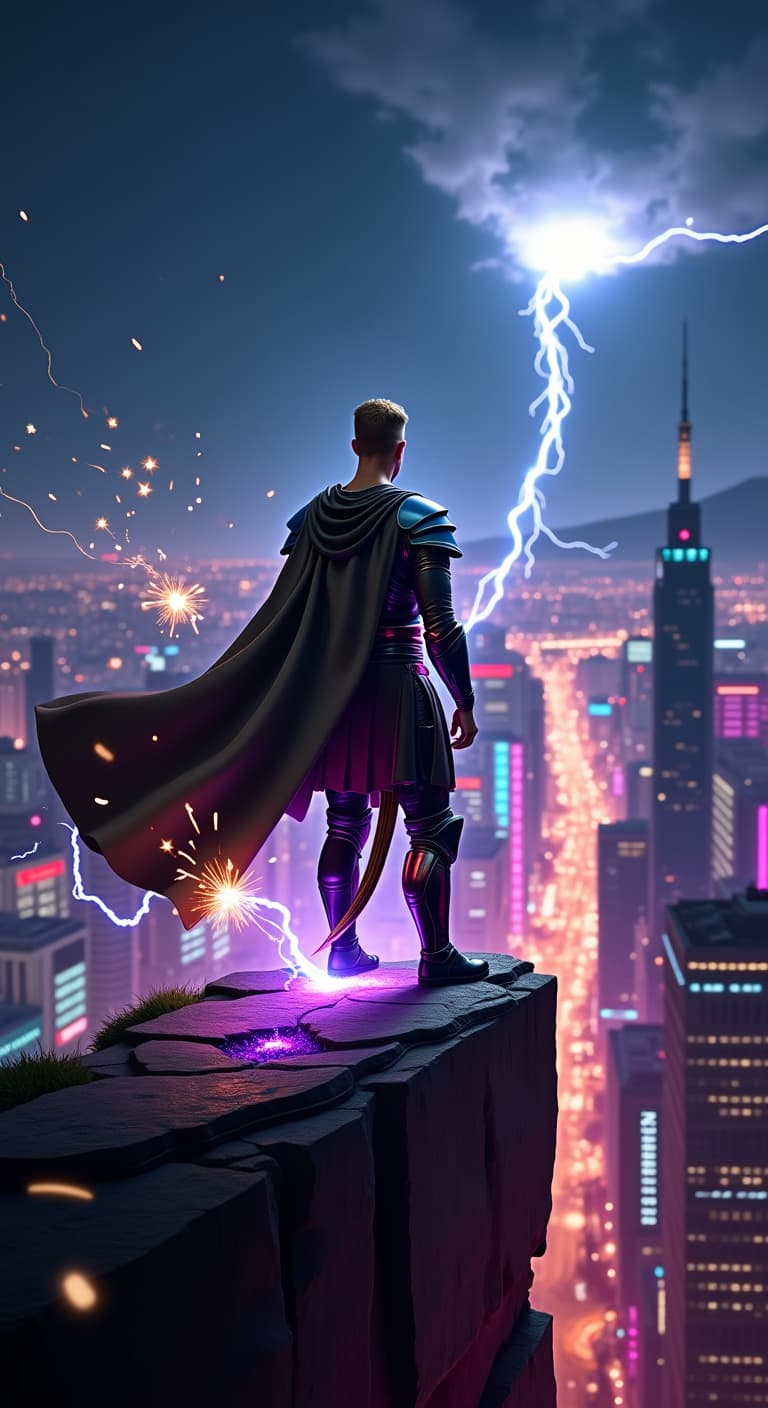
remix-video
Transform and resize your videos effortlessly with remix video tool.
wan2.2-spicy-video-extend
Wan-2.2-spicy Video Extend continues an existing video by generating new frames that match the original style but add stronger motion, bolder effects, and spicier dramatics.
seedance-v1.5-pro-video-extend-fast
Seedance v1.5 Pro Video Extend Fast quickly extends an existing video by generating a short continuation that matches the original style, motion, and lighting. This mode prioritizes fast output and smooth continuity with minimal new motion, making it ideal for previews, quick edits, and lightweight shot extensions without complex effects.
kling-v2.6-std-motion-control
Kling v2.6 Pro Motion Control allows precise control over camera movement, subject motion, and scene dynamics during video generation. Instead of leaving motion fully implicit, this mode lets you explicitly define how the camera moves (pan, tilt, orbit, dolly, zoom) and how objects or characters behave over time.
ai-clipping
Convert long-form videos into engaging short clips using AI clipping.
kling-v3.0-pro-motion-control
Kling V3.0 Pro Motion Control provides the highest level of detail and control for video generation. Suitable for professional workflows requiring complex cinematic camera work and subject consistency.
seedance-2-video-edit
SD 2.0 Video Edit modifies existing videos based on text prompts and optional reference images.
video-combiner
Combine multiple short video clips (5s, 10s, etc.) into a single seamless full-length video. Upload your clips in order and choose the final output aspect ratio. 'Auto' preserves the aspect ratio of your first clip.
pixverse-v6-extend
Extend any existing video with new frames using PixVerse V6. Analyzes the ending segment and generates a seamless continuation with optional style control.
wan2.7-video-extend
Extend existing videos seamlessly with Wan 2.7.
autocrop
Automatically crop and reframe a specific video segment to your chosen aspect ratio using AI subject tracking.
happy-horse-1-video-edit-1080p
Happy Horse 1.0 Video Edit (1080p) - modify an input video at 1080p using a natural-language instruction with optional reference images.
gemini-omni-video-edit
Gemini Omni Video Edit — natively multimodal video-to-video editing. Restyle, relight, swap subjects, or rewrite scenes from a source clip with a single prompt. Unified reasoning across modalities preserves motion and audio continuity while applying the edit.
motion-graphics-edit
Edit and modify a previously generated motion graphics animation using a text instruction.
Frequently Asked Questions
What's the maximum input video length?
Most video-edit models cap at 10-15 seconds of input. Pre-trim before submitting for best results.
Can I batch-process a directory of videos?
Yes — submit each one through the API and track via the request IDs. The MuApi CLI (`muapi mcp serve`) wraps this for agentic batch flows.